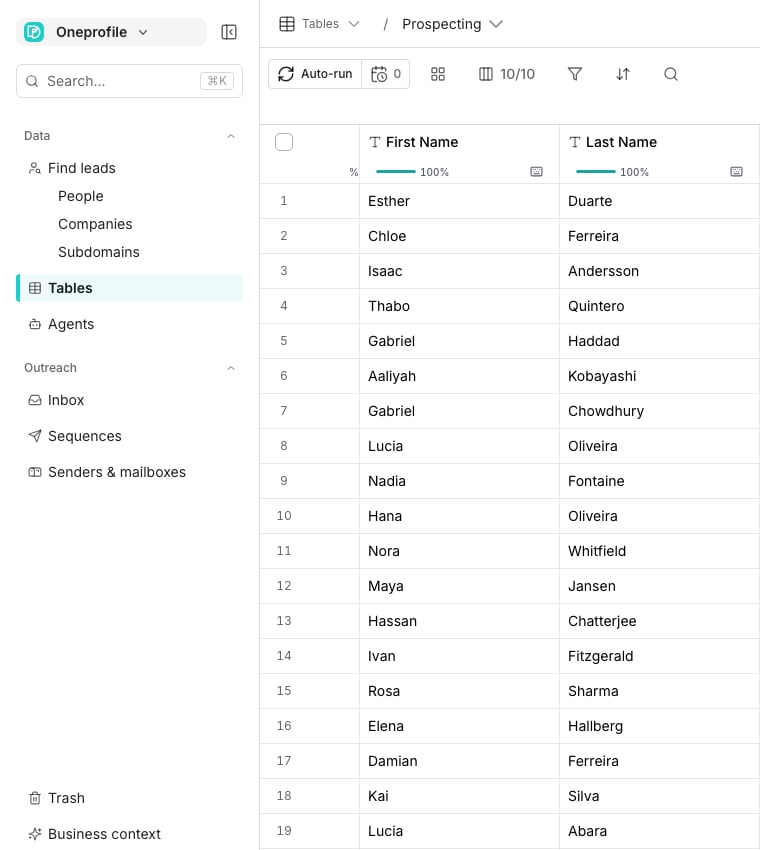
The sidebar, with a table open beside it.
The loop
1
Find leads
Search people and companies with filters, or import what you already have. The result is always a table. See Find leads.
2
Enrich the table
Columns fill in emails, phones, and firmographics from the catalog, or answers from an agent. See Enrichment columns.
3
Reach out
A sequence sends email and LinkedIn steps from your senders, at a safe pace. See Build a sequence.
4
Read the replies
Every conversation lands in the inbox, whichever channel it came from. See Inbox.
The words that matter
Good to know
Do I have to start with Find leads?
Do I have to start with Find leads?
No. Import a CSV or sync from a tool you already use, then enrich and reach out the same way.
How do I know what anything costs?
How do I know what anything costs?
Every paid action shows its price before you run it, and your balance is always in the top bar.
Next steps
Quickstart
Do the loop once, in your own workspace.
Find people
The first guide: a filtered search becomes a table.