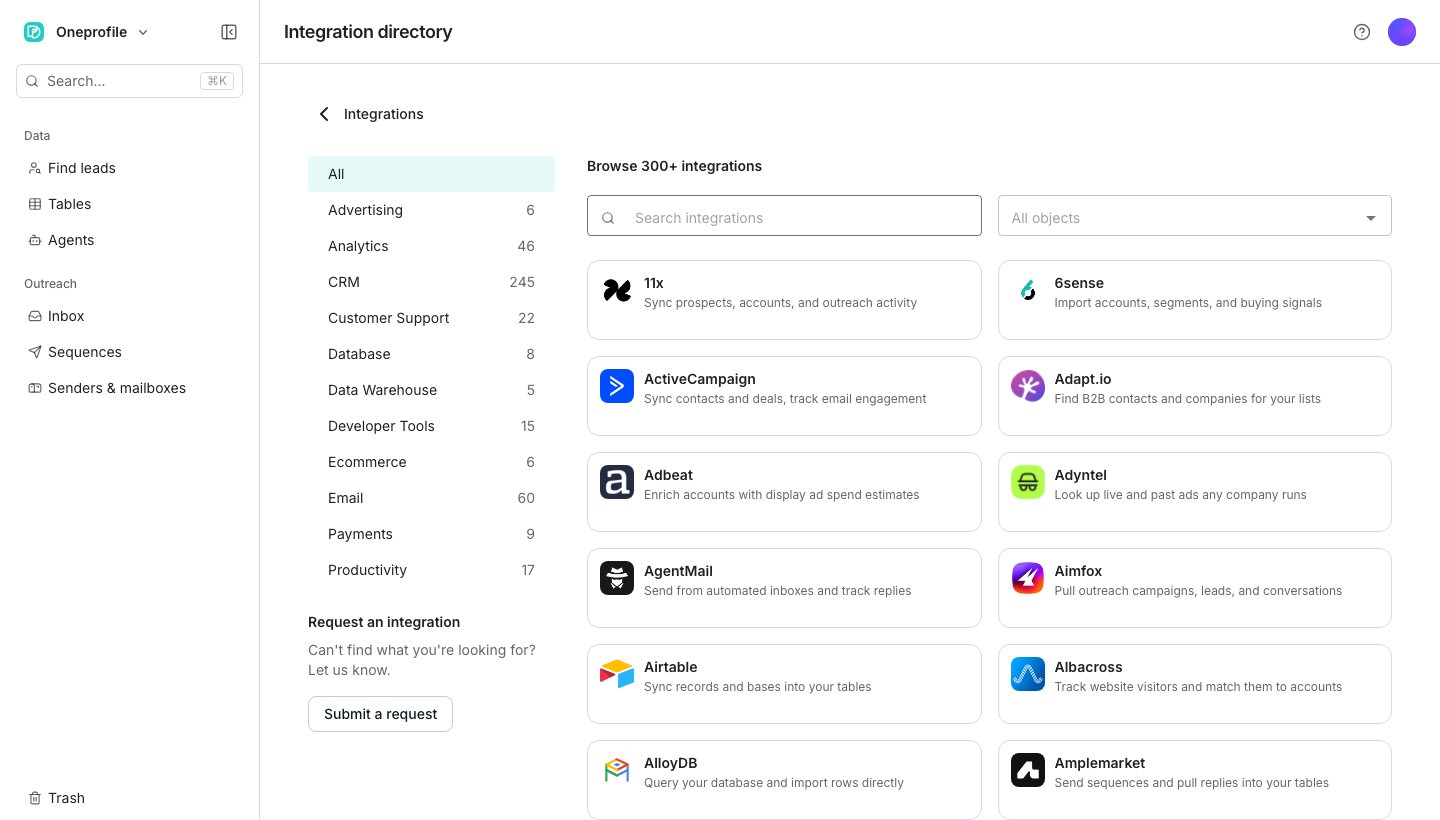
The integration directory.
Browse and search
In the directory, filter by category down the side, or type into Search integrations to find one by name. Opening an integration shows its description and, once implemented, a Connect button. The same list is public at getoneprofile.ai/integrations.Ask for one that is missing
Request an integration sits in the directory’s sidebar, and appears on its own when a search turns up nothing. Name the integration, add any detail, and click Send request. Oneprofile uses that to help decide what to build next.Good to know
What does a Coming soon integration mean?
What does a Coming soon integration mean?
Oneprofile has not built that connection yet. You can still open its page and click Request this integration to ask for it.
Can I request an integration by name while searching?
Can I request an integration by name while searching?
Yes. A search with no results offers Request an integration pre-filled with what you typed.
Does requesting an integration guarantee it gets built?
Does requesting an integration guarantee it gets built?
No. It tells Oneprofile you are interested, and helps prioritize what to build next.
Next steps
Look up your own data
Read records from a tool you connected, right inside a table.
MCP servers
Add a tool server so your agents can use it.