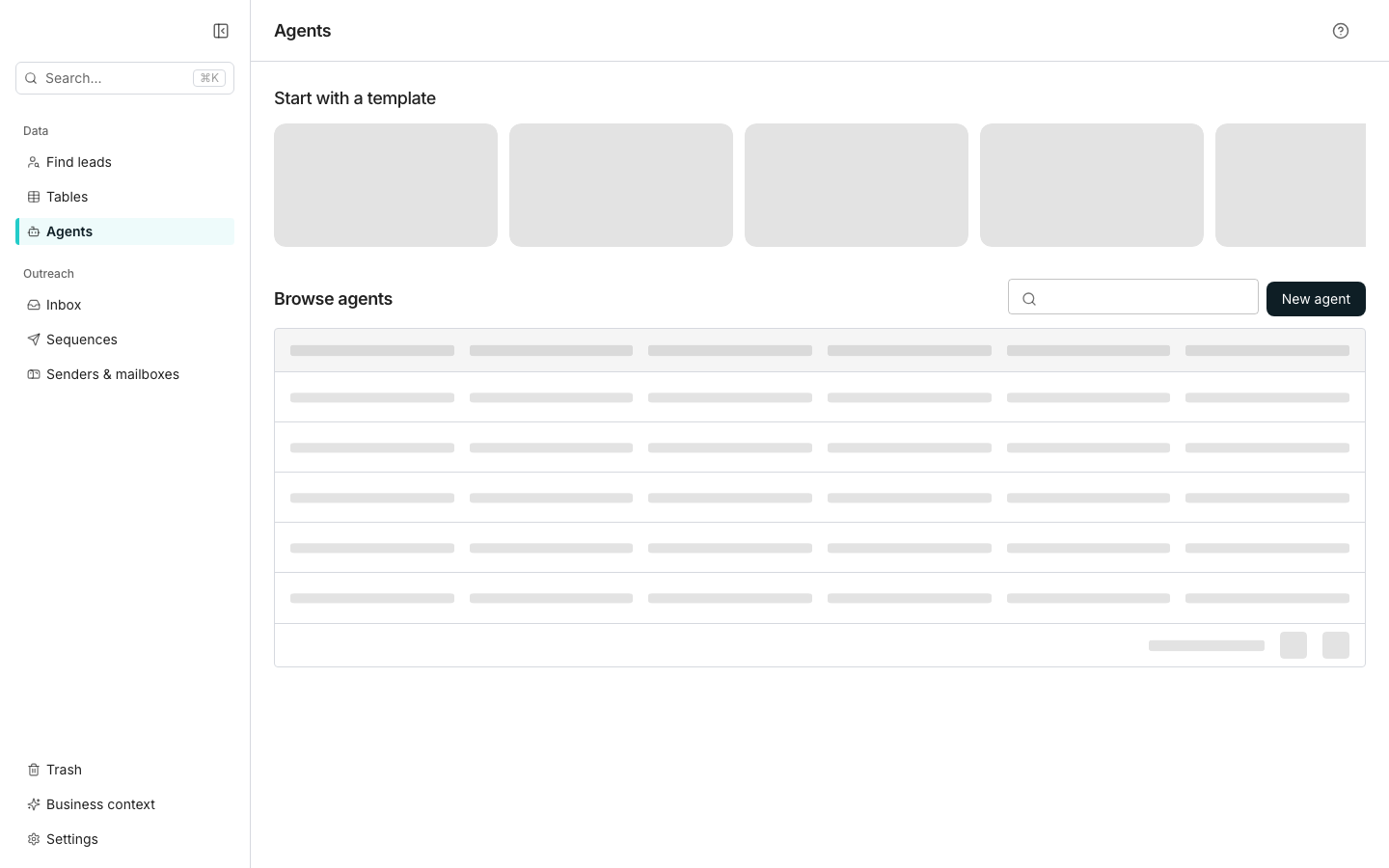
The Agents page.
Build and save an agent
Click Agents in the sidebar, then pick a card under Start with a template. See all templates opens the full gallery, and New agent opens a blank editor. A template fills in the name, prompt, inputs and outputs. Adjust the Effort, Inputs, Outputs and Tools cards, then click Save. The agent then appears under Browse agents.Deploy it to a table
Click Add to table in the editor header and choose a table. Point each input at a column, or click Match inputs by name to fill in the ones it can match. Name the column last. Its split button can add the column and run a first batch at the same time.Good to know
What does each row in Browse agents offer?
What does each row in Browse agents offer?
A row’s menu has Edit agent, Duplicate agent, Show where it’s used and Delete agent. The star marks a favourite.Show where it’s used lists every table and column the agent is deployed on, and jumps to them.
How is Duplicate different from Save as template?
How is Duplicate different from Save as template?
Duplicate agent makes a private copy for you, reset to version 1 with no history.Save as template, in the editor’s menu, publishes a copy into your team’s gallery under a name and description you give it. Both are copies: editing the original later changes neither.
Can one agent run on several tables?
Can one agent run on several tables?
Each deployment maps its own inputs, so remapping on one table leaves the others alone. Use the whole row is offered only when the prompt declares no inputs of its own.
What happens when an agent has several outputs?
What happens when an agent has several outputs?
When the outputs declare more than one field, the deploy dialog names a parent column and lets you rename or skip each field. It refuses a name that collides with a column already on that table.
How do I train an agent on sample rows?
How do I train an agent on sample rows?
Train agent, beside Save, runs the agent over sample rows so you can judge each result. Approving a revision saves a new version. The button needs a name, a prompt and at least one input, and it saves your edits before training starts.
How do versions and reverting work?
How do versions and reverting work?
The version chip beside the name opens the history, and any earlier version can be reverted to.
Does a deployed column stay linked to its agent?
Does a deployed column stay linked to its agent?
Its prompt and outputs become read-only on the column, and a card at the top of its editor links back here. That behaviour is covered on Agent columns.
Next steps
Build an agent
Start from a template or a blank prompt, then write the prompt.
What agents cost
See what moves the price of an agent run.