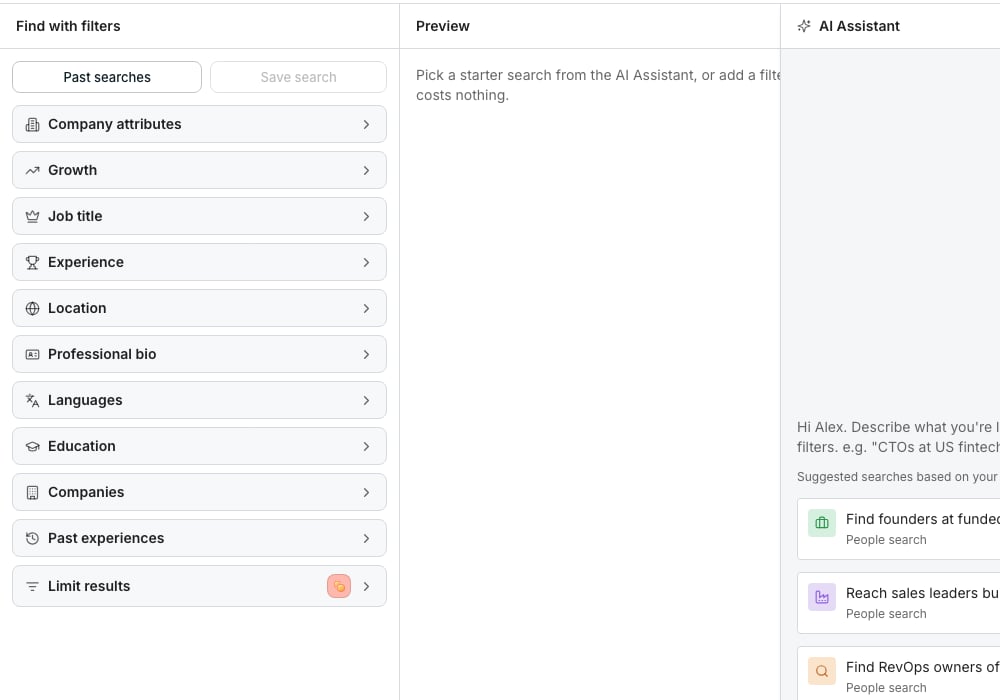
The enrich step, after Save to a new table.
Pick what to fill in
Once your search has matches, click Continue, then Save to a new table. In the panel beside the preview, tick any of the four options. Find People and Find Companies require at least one enrichment and start with one selected. Other finders charge for retrieval and let you add rows without enrichment. Each option shows what a lead usually costs. A lead is charged the price of the source that answered it, and nothing when none does. Each option you tick shows its results in the preview, so you see them before anything is added. Click Create table to finish. The button shows the most it can cost, and People to add (Companies to add on a company search) says how many leads it adds.What the four options fill in
- Find work email: a work email address for each lead
- Find phone number: a direct phone number for each lead
- Read LinkedIn profile: their headline, About and employment history, read from their profile
- Enrich company: their company’s industry and a description
Why pick here instead of later
Picking here fills in the details in the same run that adds your leads, and the preview shows the results before you commit to anything. Doing it later means a separate run, on leads that already exist.Good to know
Can I enrich a company search the same way?
Can I enrich a company search the same way?
Only Enrich company is offered on a company search. The other three need a person, so each is greyed out with a Switch to Find people link.
What if I don't have enough credits for every lead?
What if I don't have enough credits for every lead?
Reduce the number of rows or add credits. The panel quotes retrieval and selected enrichment costs before you create the table.
What if I'm out of credits entirely?
What if I'm out of credits entirely?
Add credits before starting a paid search or required enrichment.
Where do I see my credit balance while deciding?
Where do I see my credit balance while deciding?
It shows beside the cost total in the same panel, so you can compare them before you create the table.
Next steps
People and companies
Build the search this screen follows from.
Enrichment columns
Add the same kind of detail later.