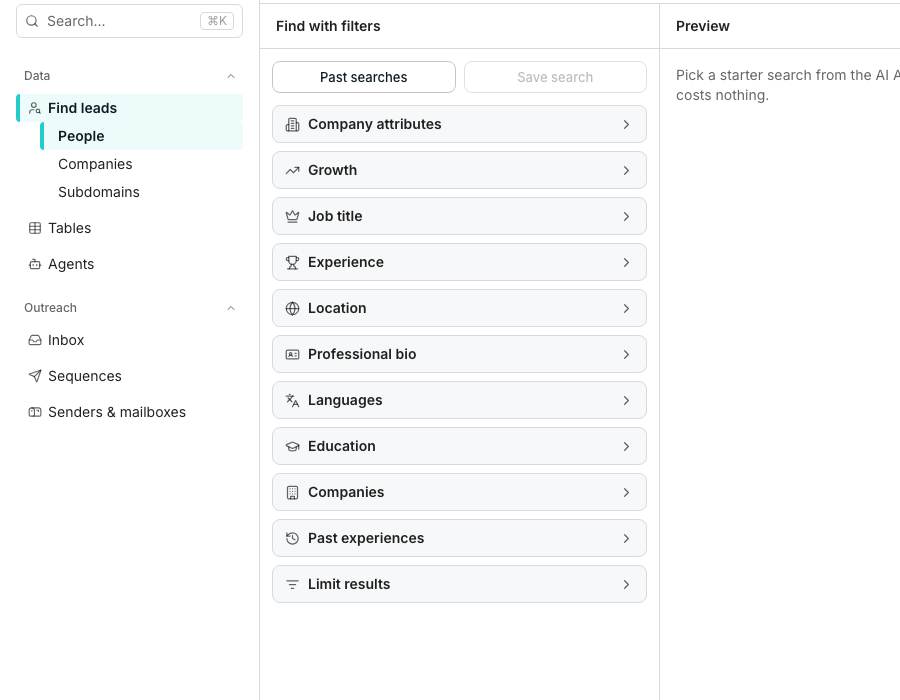
The AI Assistant panel, open beside the search filters.
Describe your search
1
Open the AI Assistant
Click Show AI Assistant if the panel is not already open beside your filters.
2
Type what you're looking for
Use the Describe the leads you want box, for example “CTOs at German fintechs over 100 people”.
3
Send it
The assistant reads your request, then sets the filters and opens the sections it changed.
What it changes, and how to review it
The assistant only sets filters that already exist in Find with filters, and opens the sections it just changed so you can see the result. Anything it can’t express as a filter, it leaves for you to add by hand. Edited fields stay highlighted until you change one yourself, and an Undo button undoes the whole change in one click. If your wording is ambiguous, the assistant asks a question with tappable answers, or offers a one-tap switch to the reading it did not pick.Good to know
Can I pick up a previous conversation?
Can I pick up a previous conversation?
Yes. Previous conversations lists every thread you’ve started, and New conversation starts a fresh one without touching your current filters.
Where do the suggested searches come from?
Where do the suggested searches come from?
They’re drawn from your business context, and only show while the builder is empty.
What happens to my filters if the assistant gets it wrong?
What happens to my filters if the assistant gets it wrong?
Nothing is lost. Undo restores exactly what you had, and you can also edit any field by hand afterwards.
Next steps
Find people and companies
Build or refine a search by hand.
Saved searches
Save a search the assistant just set, or reopen one from history.