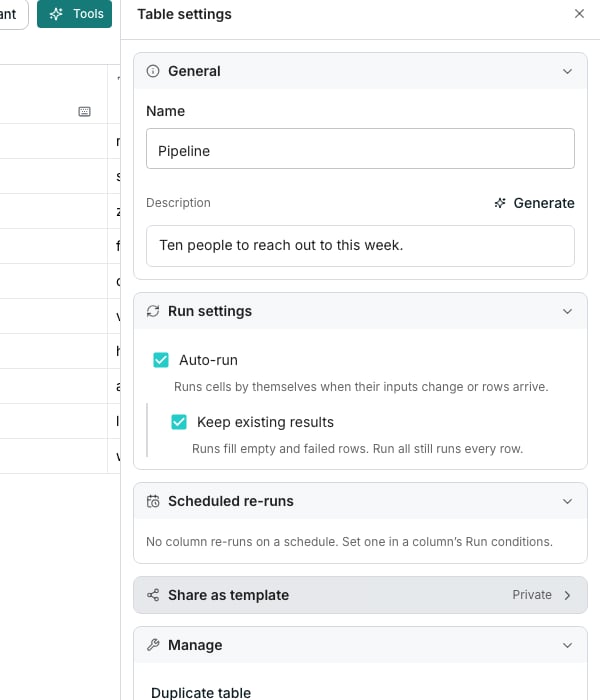
A published table, seen by a signed out visitor.
Publish a table
In Table settings, under Share as template, turn on Public link. Then click Copy link beside the Template link field. Anyone who opens it sees the table without signing in.What a visitor sees
A signed out visitor gets a plain page, which shows under a Shared template label the table’s name and description. Every column follows as a card naming its type and its kind, plus its description if it has one. No value from any row appears.Take it down
Turn Public link back off. The link stops working, and anyone who still has it sees a message that the template is not available.Good to know
Does turning sharing back on give me a new link?
Does turning sharing back on give me a new link?
No. Public link reuses the same link each time, since it is built from the table’s own address.
Can a visitor see any of my rows?
Can a visitor see any of my rows?
No. The page never shows a cell value, not even a sample, so a lead table never puts a real person in front of a stranger.
Next steps
Table settings
Find every other table wide control in the same panel.
Rows and cells
See what the grid itself shows your own team.