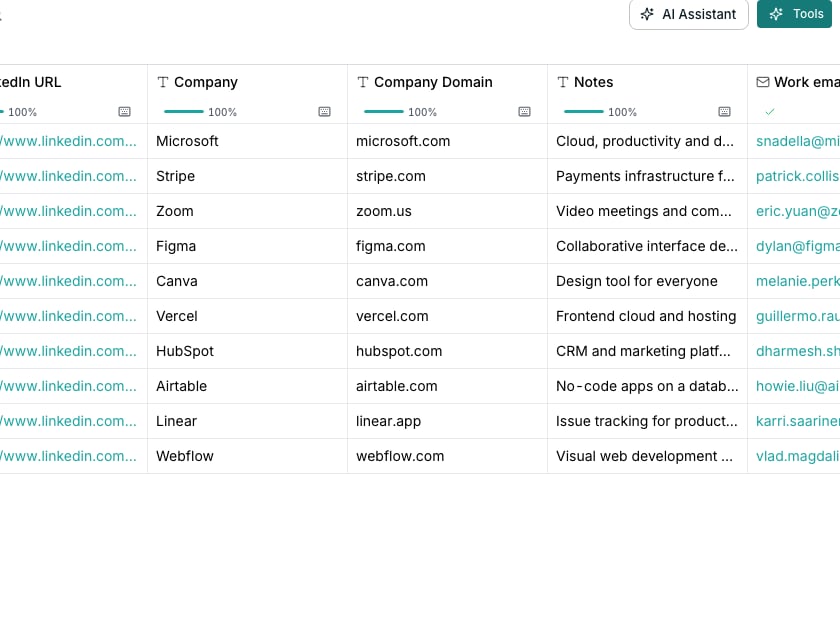
The Templates toggle in the enrichment picker.
Copy within a table
Open the column’s menu and choose Duplicate. The copy carries the whole setup and lands right beside the original. Edit it freely, and delete it if the variation does not work out. The original is never touched.Move a column to another table
On the source table, open the column’s menu, open More and choose Copy configuration. On the other table, open the add-column menu and choose Paste configuration. References to other columns remap by name. Where no column matches, the reference shows up broken.Save a column as a template
Open a computed column’s menu, open More and choose Save as template…. Name the template and tick every column it should include. References between the columns you pick are kept. To use it on any table, open a column’s header menu, open Insert column, then To the right, then choose Find or enrich. Switch the picker that opens from Actions to Templates.Good to know
What is the difference between Duplicate and Copy configuration?
What is the difference between Duplicate and Copy configuration?
Duplicate makes a copy on the same table right away. Copy configuration puts the setup aside so you can paste it onto a different table instead.
Which columns can be saved as a template?
Which columns can be saved as a template?
Anything except a column you type into yourself. Formula, enrichment, agent, export, imported and sequence columns all carry a setup worth saving.
What happens to a column's references when I paste or apply it elsewhere?
What happens to a column's references when I paste or apply it elsewhere?
A reference to another column travels by name. If the target table has a column with a matching name, it reconnects. If not, it shows up broken so you can point it at the right column.
Who can see a template I save?
Who can see a template I save?
Anyone in your workspace. A template belongs to the whole organization, not just the table it came from.
Next steps
Column outputs and groups
See how a multi-field answer becomes several columns.
Enrichment columns
Add work emails, phone numbers and company facts from outside sources.