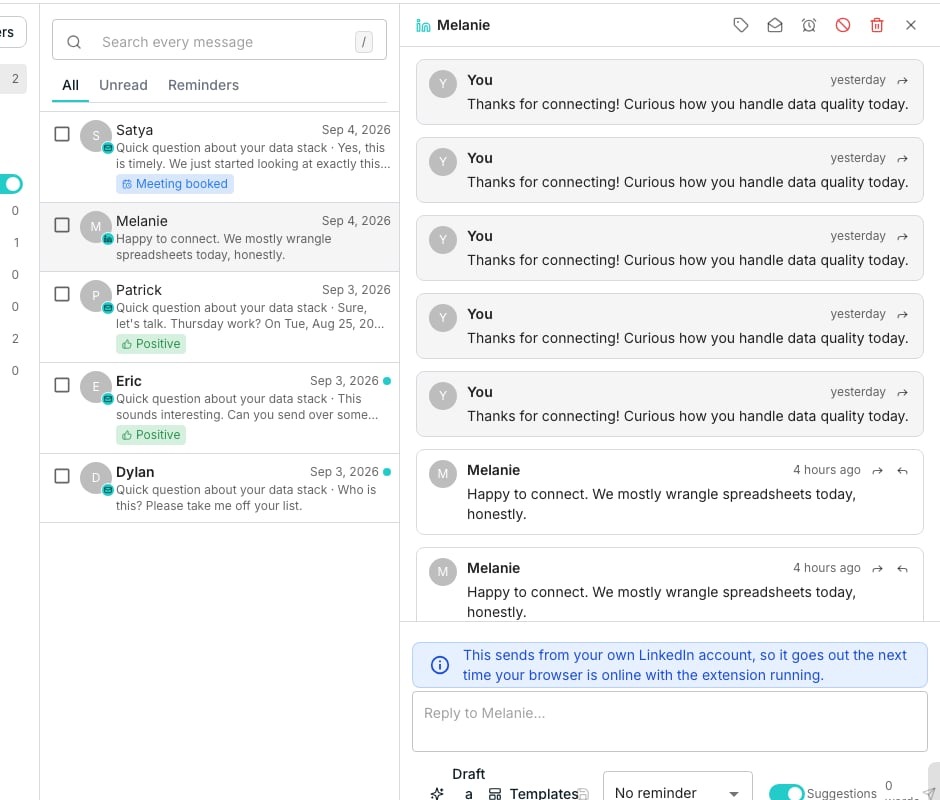
A drafted reply waiting for approval in the inbox.
Generate and review a draft
Click Draft with AI on any conversation and a draft takes the reply box’s place. Nothing sends yet.- A confidence score sits with it: a high one is ready as written, a lower one is worth a closer read
- The draft is a plain text field, so change anything before you approve it
- Write again rewrites it from a note saying what to change
Send or discard
Send reply sends the draft with any edits you made. On a LinkedIn thread it reads Queue on LinkedIn and hands the message to your browser. Discard deletes the draft. Rating it Needs work teaches the agent, and Looks good does not. Leave the thread instead and the draft keeps, ready the next time you open it.What sends on its own, and what waits
A reply the agent is confident in sends by itself when the sender is on Send when confident or Always send. It waits a few minutes first, inside the sending window, so it never lands a second after the contact wrote. Either way the thread marks it Sent by the agent, and you are notified. Everything else waits in the inbox with its reason on the draft:- the contact’s message was not clearly positive
- it asks whether this is automated
- the message may not be from the contact at all
- the thread has had its fill of unattended replies
- the mailbox is out of sending capacity for the day
- the contact asked not to be contacted
Turn it off, or hold it
The Agent replies chip above the inbox rail opens all three, for the whole workspace:- Write replies to sequence contacts, off, stops the agent writing replies at all. Drafting one yourself still works.
- Pause agent sending keeps the writing and holds every reply for a person. Anyone can pause; only an admin can let sending resume.
- Disclosure line adds a line saying a reply was written with AI, where your market expects to be told.
Set the goal and the voice
Goal, call to action and replies, on the sequence’s AI writing tab, sets what replies are for. It holds the goal, the call to action, the language and the reply prompt.Good to know
Can a reply send without me seeing it?
Can a reply send without me seeing it?
Yes, when the sender is on Send when confident or Always send and every check passes. That is what those modes mean. Put the sender on Always ask, or pause agent sending, and nothing leaves without a person.
What happens if I edit a draft and then write it again?
What happens if I edit a draft and then write it again?
Oneprofile asks first, because writing it again puts a new draft over your edits and they cannot be recovered.
What happens on a thread with no sequence?
What happens on a thread with no sequence?
The agent belongs to a sequence, so a thread outside one is drafted in a default voice from your business context alone, and it always waits for a person.
Can I save a draft as a template?
Can I save a draft as a template?
Yes. Save as template keeps the wording for reuse on future replies.
Next steps
Inbox
Read and reply to every conversation a sequence starts.
Business context
Tell Oneprofile about your company so drafts write like you.