> ## Documentation Index
> Fetch the complete documentation index at: https://docs.getoneprofile.ai/llms.txt
> Use this file to discover all available pages before exploring further.
# Reference other columns
> Point one column at another so it reads a value from the same row, and see what breaks before you delete one.
Type a forward slash inside a prompt or formula to pull in another column's value for the same row. Before you delete a column, see what reads it first.
 ## Insert a column's value
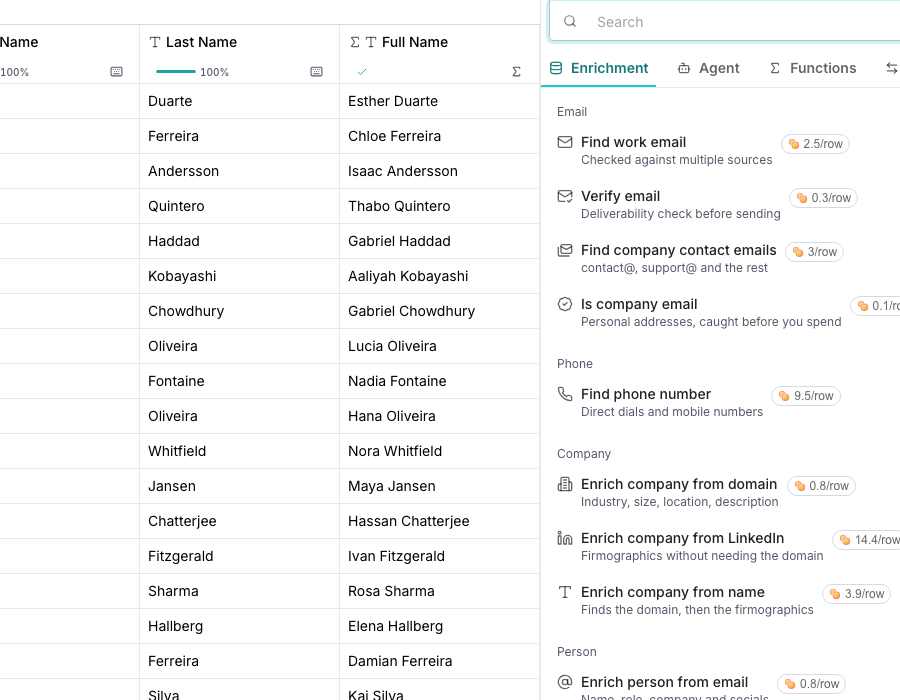
Type a forward slash where you want the value, then choose a column from the list. A card beside it shows a real row and value, so you recognize the column by its data.
## Give a run its row context
In an AI or agent column's settings, open **Row context**.
Pick specific columns, or choose **Entire row** to send every column's value along with the run.
## See what depends on a column
From a column's menu, choose **Used in…** to see its downstream columns and what it reads from.
Deleting asks you to redirect any dependents to another column first, so nothing quietly breaks.
## Good to know
Yes. A multi-field enrichment or a list column offers a drill-down in the mention list. Pick one of its declared fields or list items instead of the whole value.
It sends every column's value along with the run, not just the ones you name. Picking it replaces any columns you had chosen, and naming a column clears it; the two never combine.
Something else reads from it: a formula, an enrichment prompt, or an export. Naming a replacement repoints every one of those at it before the delete, instead of leaving them broken.
Two lists. **Downstream columns** are the formulas and exports that read this one. **This column reads from** lists what it depends on itself.
## Next steps
See how a multi-field answer becomes several columns.
Compute a value for every row from other columns.
## Insert a column's value
Type a forward slash where you want the value, then choose a column from the list. A card beside it shows a real row and value, so you recognize the column by its data.
## Give a run its row context
In an AI or agent column's settings, open **Row context**.
Pick specific columns, or choose **Entire row** to send every column's value along with the run.
## See what depends on a column
From a column's menu, choose **Used in…** to see its downstream columns and what it reads from.
Deleting asks you to redirect any dependents to another column first, so nothing quietly breaks.
## Good to know
Yes. A multi-field enrichment or a list column offers a drill-down in the mention list. Pick one of its declared fields or list items instead of the whole value.
It sends every column's value along with the run, not just the ones you name. Picking it replaces any columns you had chosen, and naming a column clears it; the two never combine.
Something else reads from it: a formula, an enrichment prompt, or an export. Naming a replacement repoints every one of those at it before the delete, instead of leaving them broken.
Two lists. **Downstream columns** are the formulas and exports that read this one. **This column reads from** lists what it depends on itself.
## Next steps
See how a multi-field answer becomes several columns.
Compute a value for every row from other columns.