> ## Documentation Index
> Fetch the complete documentation index at: https://docs.getoneprofile.ai/llms.txt
> Use this file to discover all available pages before exploring further.
# Column outputs and groups
> When one enrichment or agent fills several columns at once, and how to rename or split what it returns.
An enrichment or agent that answers with several facts fills more than one column at once. This page covers the band that groups them and what you can do with each one.
 ## Read the group band
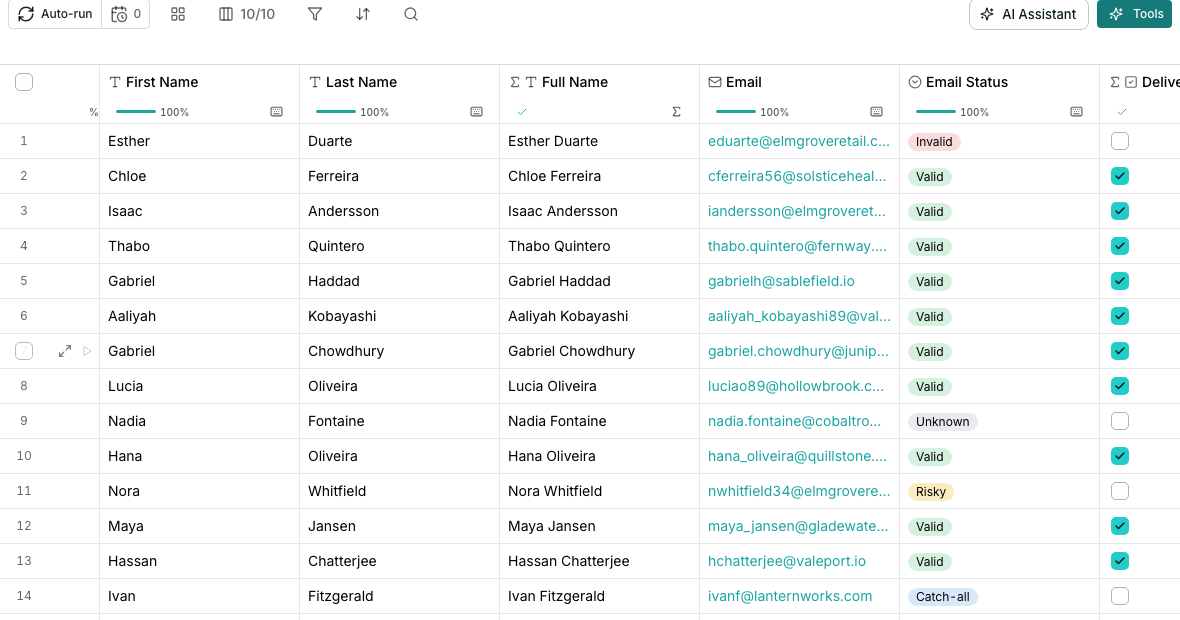
A fan-out draws a band over the columns it filled, labeled with the group's name. Open **Edit group** from the band's menu to rename it, reorder its columns, or choose which ones are outputs.
## Reshape a group
In the group panel, drag a column by its handle, or open its menu to **Mark as output** or **Remove as output**.
Click the pencil beside the group's name, type a new one, and press Enter.
## Give a nested field its own column
From the parent column's menu, choose **Give a field its own column…**.
Create a new column for the field, or map it onto an existing manual column. Mapping onto an existing column overwrites its values.
## Good to know
The band above it already names the group. Its columns are named for the field they hold instead, like Fit rationale under a group called ICP fit score.
Its fanned-out children depend on it, so deleting it deletes them too. Oneprofile does this in one step and names every column that goes with it before you confirm.
Yes. A fan-out creates its group automatically. You can add any other column to it from the group panel's search, or remove one without deleting it.
It is the only kind a group can be today, shown as a fixed fact rather than a choice.
## Next steps
Point one column at another so it reads its value.
Add a column that fills itself in from outside data.
## Read the group band
A fan-out draws a band over the columns it filled, labeled with the group's name. Open **Edit group** from the band's menu to rename it, reorder its columns, or choose which ones are outputs.
## Reshape a group
In the group panel, drag a column by its handle, or open its menu to **Mark as output** or **Remove as output**.
Click the pencil beside the group's name, type a new one, and press Enter.
## Give a nested field its own column
From the parent column's menu, choose **Give a field its own column…**.
Create a new column for the field, or map it onto an existing manual column. Mapping onto an existing column overwrites its values.
## Good to know
The band above it already names the group. Its columns are named for the field they hold instead, like Fit rationale under a group called ICP fit score.
Its fanned-out children depend on it, so deleting it deletes them too. Oneprofile does this in one step and names every column that goes with it before you confirm.
Yes. A fan-out creates its group automatically. You can add any other column to it from the group panel's search, or remove one without deleting it.
It is the only kind a group can be today, shown as a fixed fact rather than a choice.
## Next steps
Point one column at another so it reads its value.
Add a column that fills itself in from outside data.