> ## Documentation Index
> Fetch the complete documentation index at: https://docs.getoneprofile.ai/llms.txt
> Use this file to discover all available pages before exploring further.
# Track opportunities
> Mark a reply as an opportunity, give it a value, and read the pipeline a sequence produced.
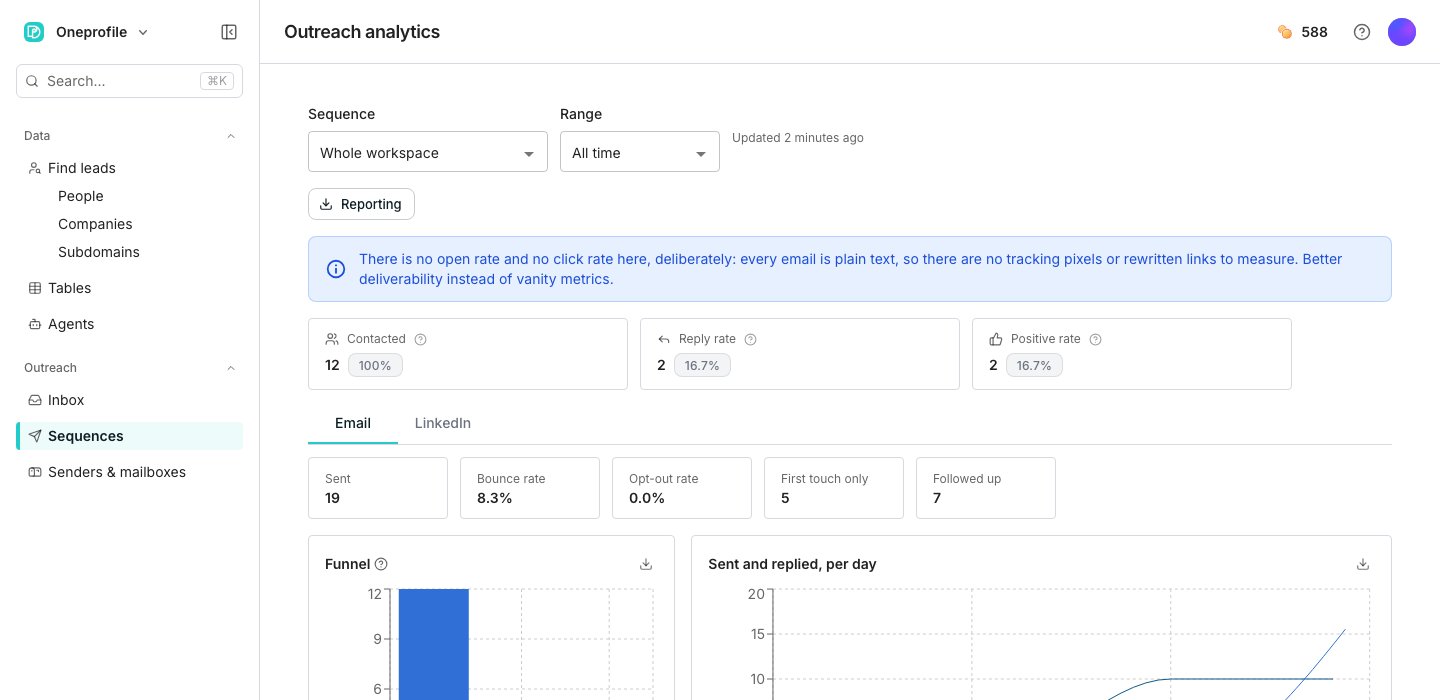
Turn on opportunity tracking to put a dollar value on the positive replies, meetings and closed deals a sequence produces. Oneprofile adds the total to that sequence's own analytics.
 ## Turn on tracking
Find the **Tracking** section and switch on **Track opportunities**.
Fill in a dollar amount for a positive reply, a booked meeting, a completed meeting and a Closed. Leave any of them at zero to leave it out.
## Mark a reply as an outcome
There is no separate "mark as opportunity" button. Open a thread in the inbox and apply the **Positive**, **Meeting booked**, **Meeting completed** or **Closed** label, and it counts toward that sequence's pipeline.
## Good to know
On that sequence's own analytics page, as a Pipeline figure and as an Opportunities stage on the funnel chart. There is no separate pipeline dashboard.
Oneprofile counts how many threads carry each outcome label and multiplies by the dollar value you set for that outcome, then adds the four together.
Only **Positive** is matched by the label's own flag. **Meeting booked**, **Meeting completed** and **Closed** are matched by name, so renaming or deleting one quietly drops its total to zero. Leave those three named as they came.
Yes. A thread can be labeled Meeting booked and later Closed at the same time, and both amounts count.
No. Set a value for whichever outcomes matter to you and leave the rest at zero.
## Next steps
See the pipeline total alongside every other number a sequence produces.
Read replies and apply labels to a thread.
## Turn on tracking
Find the **Tracking** section and switch on **Track opportunities**.
Fill in a dollar amount for a positive reply, a booked meeting, a completed meeting and a Closed. Leave any of them at zero to leave it out.
## Mark a reply as an outcome
There is no separate "mark as opportunity" button. Open a thread in the inbox and apply the **Positive**, **Meeting booked**, **Meeting completed** or **Closed** label, and it counts toward that sequence's pipeline.
## Good to know
On that sequence's own analytics page, as a Pipeline figure and as an Opportunities stage on the funnel chart. There is no separate pipeline dashboard.
Oneprofile counts how many threads carry each outcome label and multiplies by the dollar value you set for that outcome, then adds the four together.
Only **Positive** is matched by the label's own flag. **Meeting booked**, **Meeting completed** and **Closed** are matched by name, so renaming or deleting one quietly drops its total to zero. Leave those three named as they came.
Yes. A thread can be labeled Meeting booked and later Closed at the same time, and both amounts count.
No. Set a value for whichever outcomes matter to you and leave the rest at zero.
## Next steps
See the pipeline total alongside every other number a sequence produces.
Read replies and apply labels to a thread.