> ## Documentation Index
> Fetch the complete documentation index at: https://docs.getoneprofile.ai/llms.txt
> Use this file to discover all available pages before exploring further.
# Contact several people at one company
> Set how many people at the same company a sequence will reach, and stop the rest when one of them replies.
**Multithreading** controls how a sequence behaves when several of its contacts share a company. Cap how many of them it reaches, space out when it reaches them, and decide whether one reply speaks for the rest.
 ## Set the rules
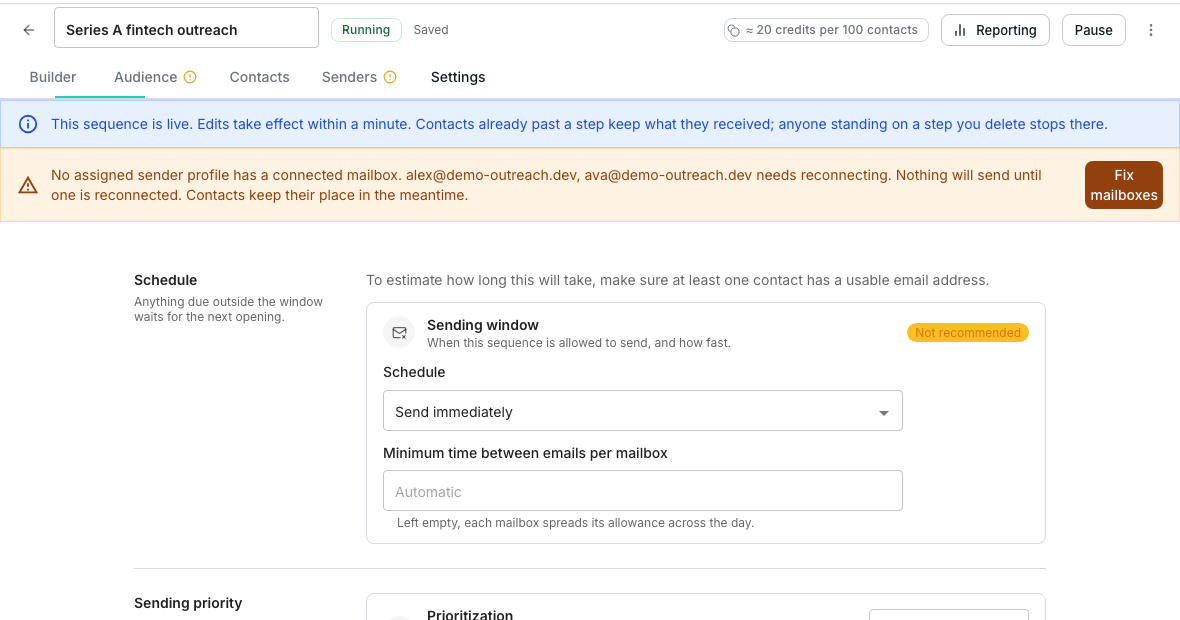
In the sequence editor, open **Settings** and find the **Multithreading** section.
Type a number into **Set a company limit**, or leave it as **No limit**.
One colleague is contacted at a time; the sequence waits for an outcome before moving to the next.
When anyone at the company replies, their colleagues' scheduled sends stop as well.
## Good to know
By the **Company** column mapped on the Audience tab. Map that column for the company limit to have anything to count.
They do not get contacted through this sequence. The limit is a ceiling on the whole company, not on each colleague.
No. It waits for an outcome at the current step, not a timer, before moving on to the next colleague.
Emailing a whole company at once, or ignoring one colleague's reply while others keep hearing from you, reads as spam rather than outreach.
## Next steps
Map the Company column this setting depends on.
Decide when this sequence is allowed to send.
## Set the rules
In the sequence editor, open **Settings** and find the **Multithreading** section.
Type a number into **Set a company limit**, or leave it as **No limit**.
One colleague is contacted at a time; the sequence waits for an outcome before moving to the next.
When anyone at the company replies, their colleagues' scheduled sends stop as well.
## Good to know
By the **Company** column mapped on the Audience tab. Map that column for the company limit to have anything to count.
They do not get contacted through this sequence. The limit is a ceiling on the whole company, not on each colleague.
No. It waits for an outcome at the current step, not a timer, before moving on to the next colleague.
Emailing a whole company at once, or ignoring one colleague's reply while others keep hearing from you, reads as spam rather than outreach.
## Next steps
Map the Company column this setting depends on.
Decide when this sequence is allowed to send.