> ## Documentation Index
> Fetch the complete documentation index at: https://docs.getoneprofile.ai/llms.txt
> Use this file to discover all available pages before exploring further.
# The integration directory
> Browse everything Oneprofile connects to, read what a tool supports, and ask for one that is missing.
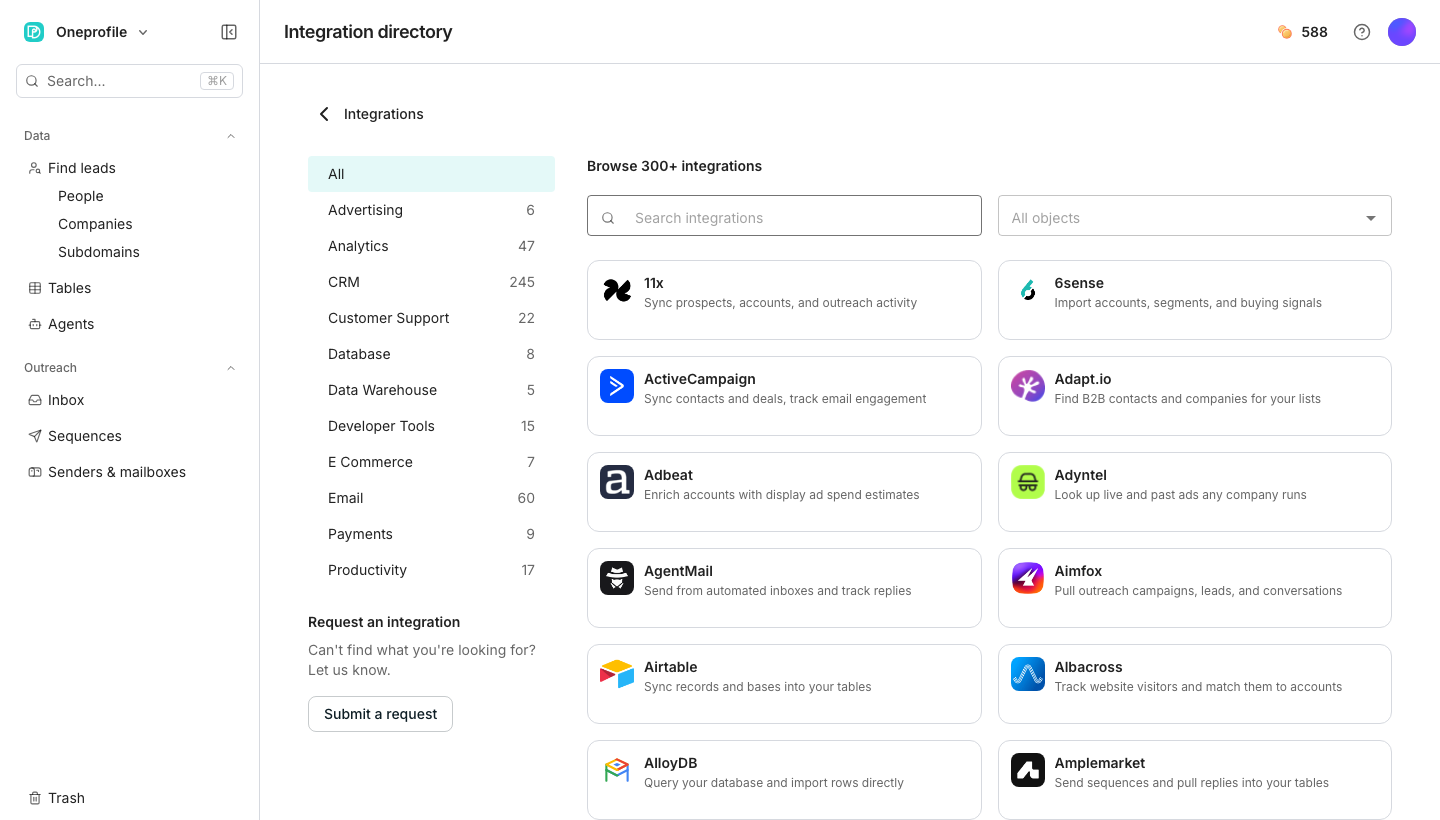
The integration directory lists every tool Oneprofile can connect to, organized by category. Open one to read what it does, connect it, or ask for one that is not there yet.
 ## Browse and search
Filter by category down the side, or type into **Search integrations** to find one by name. Opening an integration shows its description and, once implemented, a **Connect** button.
## Ask for one that is missing
It sits in the directory's sidebar, or appears automatically when a search turns up nothing.
Oneprofile uses this to help decide what to build next.
## Good to know
Oneprofile has not built that connection yet. You can still open its page and click **Notify me** to hear when it ships.
Yes. A search with no results offers **Request an integration** pre-filled with what you typed.
No. It tells Oneprofile you are interested, and helps prioritize what to build next.
## Next steps
Read records from a tool you connected, right inside a table.
Add a tool server so your agents can use it.
## Browse and search
Filter by category down the side, or type into **Search integrations** to find one by name. Opening an integration shows its description and, once implemented, a **Connect** button.
## Ask for one that is missing
It sits in the directory's sidebar, or appears automatically when a search turns up nothing.
Oneprofile uses this to help decide what to build next.
## Good to know
Oneprofile has not built that connection yet. You can still open its page and click **Notify me** to hear when it ships.
Yes. A search with no results offers **Request an integration** pre-filled with what you typed.
No. It tells Oneprofile you are interested, and helps prioritize what to build next.
## Next steps
Read records from a tool you connected, right inside a table.
Add a tool server so your agents can use it.