> ## Documentation Index
> Fetch the complete documentation index at: https://docs.getoneprofile.ai/llms.txt
> Use this file to discover all available pages before exploring further.
# Agent versions
> Every save keeps a version. Compare what changed and go back to an earlier one when an edit makes things worse.
Every save that changes an agent's configuration keeps its own version. Compare what changed against an earlier one, and revert when an edit makes things worse.
 ## Open the history
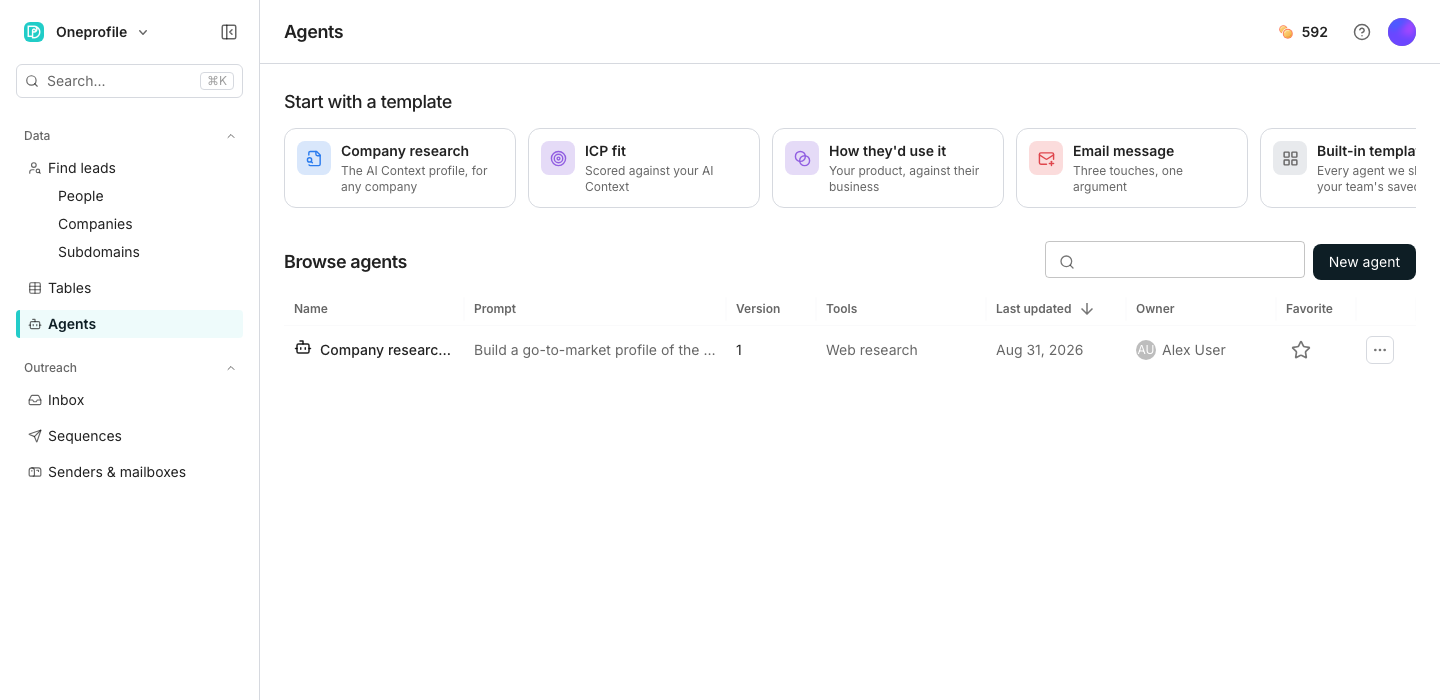
Click the version chip beside the agent's name, or open the actions menu and choose **Version history**.
Click **Preview** on any version to read its prompt and see how many lines reverting would change.
## Revert to an earlier version
Reverting does not delete anything. The old configuration is saved as a brand new version, so the history stays linear and nothing is lost.
Click the revert icon beside the version you want back.
Every table column deployed from this agent picks up the reverted configuration the next time it runs.
## Good to know
Only when the configuration actually changes. Saving with nothing changed, or only toggling a favourite, does not add one.
Yes, on their next run. A deployed column always reads whichever version is current, so a revert reaches every table using this agent.
Yes. A revert is just another version, so its own entry in the history can be reverted the same way.
Yes, the same as any other edit. The version chip beside the agent's name moves forward as soon as you accept a revision.
## Next steps
See where approved revisions come from.
Write the prompt this history is tracking.
## Open the history
Click the version chip beside the agent's name, or open the actions menu and choose **Version history**.
Click **Preview** on any version to read its prompt and see how many lines reverting would change.
## Revert to an earlier version
Reverting does not delete anything. The old configuration is saved as a brand new version, so the history stays linear and nothing is lost.
Click the revert icon beside the version you want back.
Every table column deployed from this agent picks up the reverted configuration the next time it runs.
## Good to know
Only when the configuration actually changes. Saving with nothing changed, or only toggling a favourite, does not add one.
Yes, on their next run. A deployed column always reads whichever version is current, so a revert reaches every table using this agent.
Yes. A revert is just another version, so its own entry in the history can be reverted the same way.
Yes, the same as any other edit. The version chip beside the agent's name moves forward as soon as you accept a revision.
## Next steps
See where approved revisions come from.
Write the prompt this history is tracking.